Linux Dotfiles
My personal dotfiles built around Arch Linux and Hyprland
Arch Linux Dotfiles
Arch Linux btx
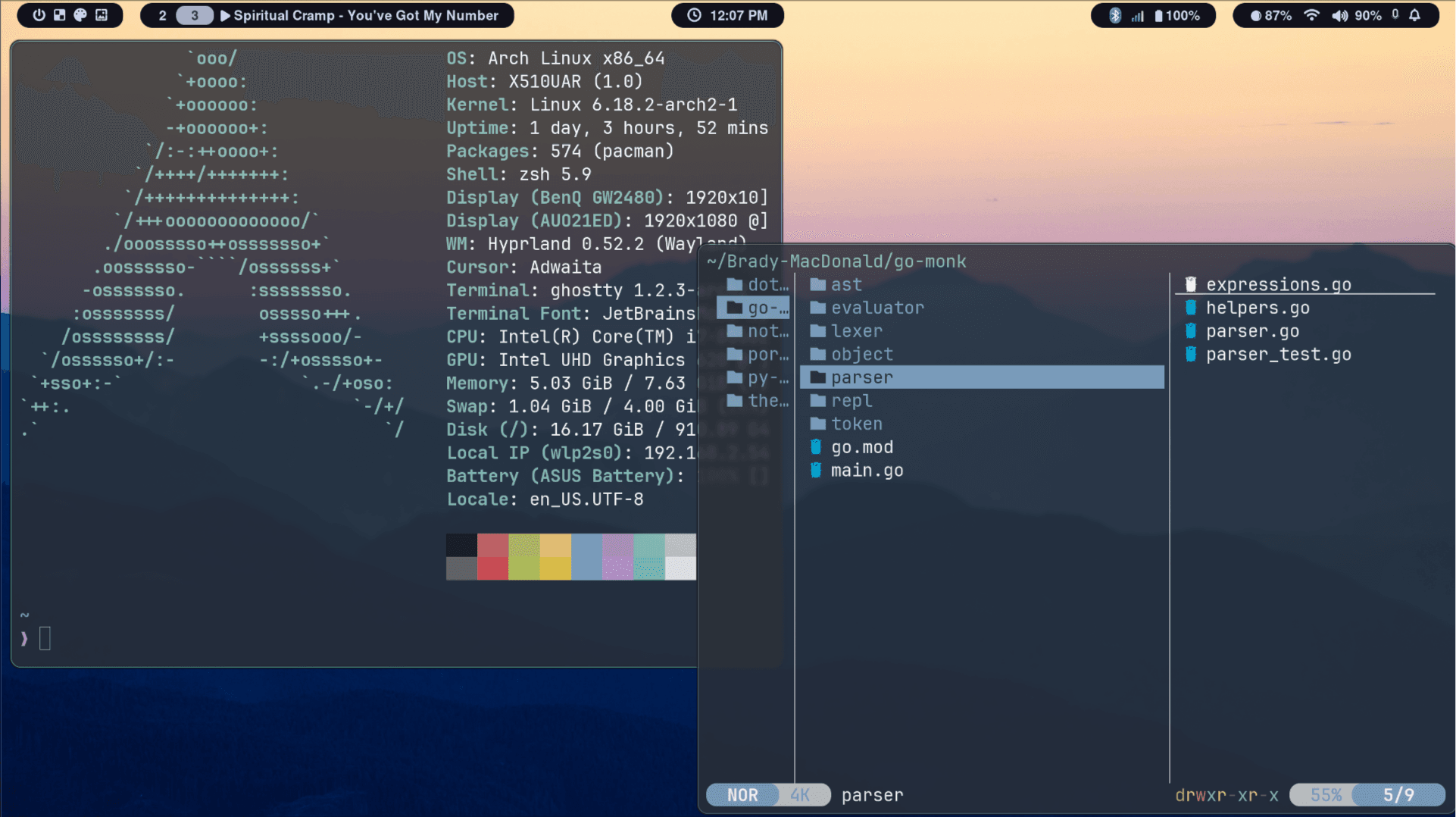 Dotfiles
Install
Make sure you have backed up any existing dotfiles
Clone Repo
Manually clone repo and run install script
git clone https://github.com/Brady-MacDonald/dotfiles.git
cd dotfiles
./install.sh
Curl install script
Curl install script and it will clone repo onto your machine
curl -fsSL https://raw.github.com/Brady-MacDonald/dotfiles/main/install.sh | bash
Packages
Required
Packages directly referenced in dotfiles and will error if not installed
| Package | Purpose |
|---|---|
| hyprland | Wayland compositor |
| ly | Display Manager |
| ghostty | Terminal |
| tmux | Terminal multiplessor |
| zsh | Shell |
| waybar | Status bar |
| dolphin | File explorer |
| yazi | Terminal files |
| swaync | Notification Center |
| Nerd Fonts | Terminal and system fonts |
Hyprland
Hyprland is the wayland compositor used Dotfiles are built around it and its ecosystem
sudo pacman -Syu hyprland hyprpaper hyprlock hypridle hyprsunset hyprshot hyprpicker hyprcursor
Display Manager
Ly is used as the DM Minimal TUI login screen
sudo pacman -S ly
systemctl enable ly.service
Terminal
Ghostty / zsh / tmux for terminal setup
sudo pacman -S ghostty tmux zsh
DE Info
sudo pacman -S waybar swaync
Bluetooth
sudo pacman -S bluez bluez-utils blueman`
- Provides the
bluetoothctlexecutable - Must enable the systemd service
bluetooth.service blueman-managerprovides a GTK based GUI
sudo pacman -S playerctl brightnessctl
Networking
sudo pacman -S networkmanager network-manager-applet
Audio
Pipewire is used as the audio server
Wireplumber as Session manager: wpctl
sudo pacman -S pipewire pipewire-pulse pipewire-jack wireplumber
systemctl --user --now enable pipewire pipewire-pulse wireplumber
Themes
Prefer to use qt GUI apps when possible (transmission-qt, dolphin ...)
sudo pacman -S qt6ct kvantum
Application Launcher
Rofi is used as the dmenu replacement
sudo rofi-wayland
Optional
Packages which you will probably end up installing anyway at some point
| Package | Purpose |
|---|---|
| Lazygit / Lazygit | TUI |
| transmission-qt | BitTorrent client |
| qalculate-qt | Calculator |
| cava | Music visual |
| wl-clipboard | Wayland clippy |
sudo pacman -S lazygit lazydocker transmission-qt qalculate-qt
sudo pacman -S wl-clipboard cliphist
Exposes the wl-copy and wl-paste commands
cliphist: Clipboard history manager for wayland
AUR
Packages installed from the AUR Installing from AUR should be done using yay
| Package | Purpose |
|---|---|
| zen-browser-bin | Browser |
| spotify | Muse |
| signal-desktop | Messaging |
| vlc-git | Becuase the normal repo does not work with wayland |
| spotify-terminal | TUI spotify |
| spicetify-cli | Gotta make spotify look nice |
| spicetify-themes-git | With plenty of themes |
yay -Syu zen-browser-bin spotify signal-desktop vlc-git
yay -Syu spicetify-cli spicetify-themes-git
spicetify config current_theme Dreary color_scheme Graytone-Blue
Use
./scripts/
Added to $PATH, offer various utilities
Neovim
Check out the nvim-config repo... got a nice Neovim setup No, I do not want to add it as a submodule.